


During breaks from school or work, do you often want to open Instagram and browse content discreetly, only to repeatedly encounterAccess Denied (Access Denied)message? Schools and workplaces often restrict access to overseas social platforms like this to safeguard learning and work efficiency, regulate network usage, and strengthen internal network security. If you want to balance work and relaxation and browse content normally, why not try this practical tool.
This guide will show you how to useP1Browserto safely and conveniently lift access restrictions and connect seamlessly to Instagram anytime, anywhere.

How Is Instagram Blocked?
Network restrictions are a major concern for many users who want to browse information and connect with overseas social platforms. Currently, common restriction methods mainly fall into three categories:
- Administrative policy restrictionsSchools and companies may introduce administrative rules to help everyone focus on studying and working, directly prohibiting access to social media platforms such as Instagram.
- Firewalls and content filteringOperations and maintenance departments may use firewalls and content filters to control network traffic and block access routes to Instagram according to security rules.
- Network-wide blockingSome locations may configure the entire local area network so that all devices connected to the Wi-Fi or intranet are uniformly restricted from accessing Instagram.
To bypass these types of network restrictions,P1Browseris an efficient and reliable choice. Below, we explain in detail how it enables unrestricted access to Instagram.
Why Can P1Browser Successfully Unblock Instagram?
How It Works
P1Browser is a professional browser equipped withfingerprint isolation and integrated network proxycapabilities, with a mature network routing mechanism built in. It reroutes your network traffic, replaces your local device IP and network identifiers, and bypasses firewalls and access restrictions on campus and corporate intranets.
Simply put, the intranet no longer detects your local network information, so the original access restrictions become ineffective and you can open and use Instagram normally. The software also includes network optimization capabilities, effectively reducing network latency and improving your browsing and interaction experience.
Core Network Mode Categories
Based on different usage scenarios, P1Browser supports multiple network solutions to meet different needs:
- Residential network mode: Simulates a real home broadband IP, with low detectability and strong concealment. It is suitable for long-term browsing on social platforms and managing multiple accounts, maximizing security and anonymity.
- Mobile network mode: Simulates a mobile network environment, with a dynamically changing IP that easily bypasses regional access restrictions. It provides excellent protection against tracking and interception and remains stable for use on the go.
- Data center network modeKey features: high speed and low latency, excellent cost-effectiveness, and strong network throughput, making it suitable for high-volume usage scenarios such as frequent browsing, content scraping, and batch operations.
How to Use P1Browser to Unblock Instagram?
Step one: Install and activate P1Browser
- Download the genuine P1Browser from the official channel and select the appropriate installation package based on your device system (computer / mobile phone) to complete the installation.
- Open the software and follow the instructions to complete basic account login and permission initialization. The software comes with a full suite of network adaptation features by default, so no additional plugins are required.
Step two: Pair with a network solution and configure the environment
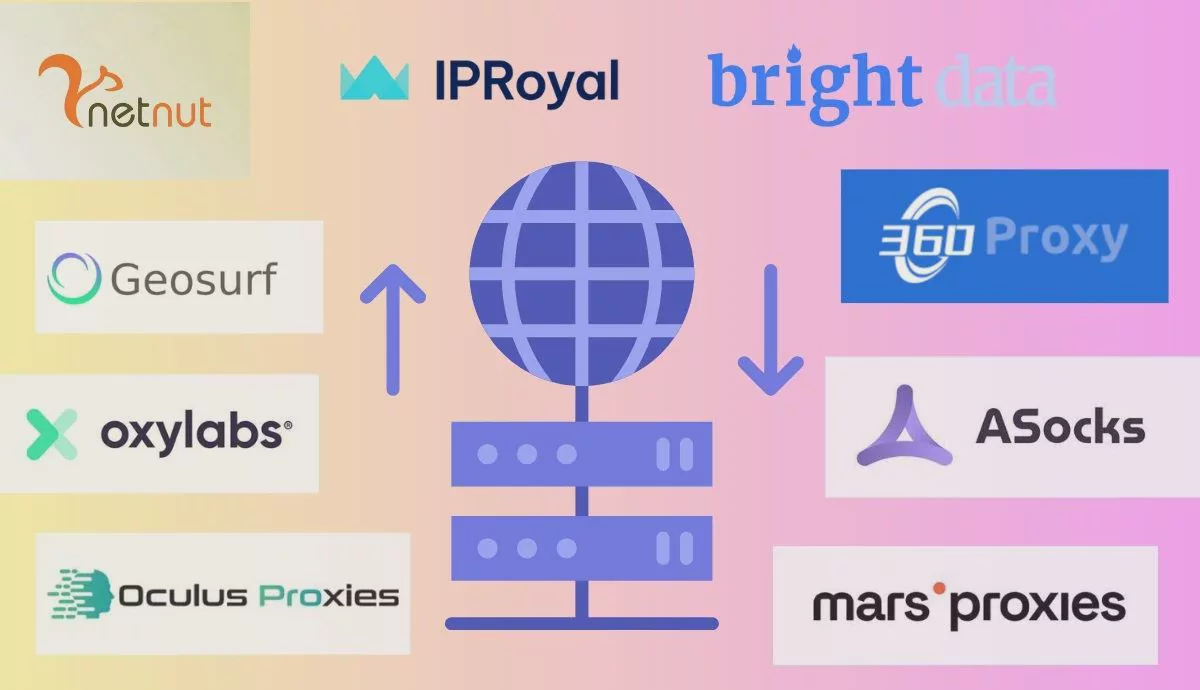
- Based on your usage scenario, select the corresponding network mode (residential / mobile / data center) in P1Browser.
- If you have a dedicated network node, you can find it underNetwork SettingsIn this section, manually enter the node IP, port, account, password, and other information, then save the configuration.
- The software supports batch configuration and one-click switching between network plans, making it highly convenient to switch between different usage scenarios.
Step three: Open Instagram and use it normally
After completing the network configuration, simply enter the Instagram URL in a built-in tab in P1Browser or open the corresponding web version to bypass access restrictions and freely browse, post, and interact.
Additional: Universal Instructions for Mobile & Computer
- Computer: Open P1Browser → go to “Network Management” in the left menu → select / configure a network node → open Instagram in a new tab.
- Mobile: Launch P1Browser → tap the network icon in the upper-right corner → switch the network mode → directly access the platform link.
Key Advantages of Using P1Browser to Access Instagram
1. Bypass Various Access and Regional Restrictions
Whether it is blocking on campus or corporate intranets, or regional network restrictions, P1Browser can easily bypass them. With diverse network nodes, it simulates network environments in different regions, enabling smooth browsing of Instagram content from around the world, following overseas creators, and participating in community interactions without obstacles.
2. Securely manage multiple accounts
The software is equipped withkernel-level environment isolationtechnology, allowing each account to independently match a dedicated network and device fingerprint. Logging in to and switching between multiple accounts simultaneously will not trigger platform security risk controls, eliminating account bans and pop-up warnings and making it an effective tool for managing social media accounts.
3. Strengthen privacy protection
P1Browser hides your real local IP address, device information, and network characteristics. Platforms and third parties cannot capture your real identity data, effectively preventing tracking and information theft while providing comprehensive protection for your personal privacy.
4. All-in-one integration, simple operation
There is no need to download additional software or use other tools. Network switching, environment isolation, and fingerprint masking are all integrated into the software, so even beginners can get started quickly and use it right away.
Usage precautions and self-check methods
During use, also pay attention to network status and compliance issues to avoid potential risks:
- Network stability : Prioritize high-quality network nodes. If lagging or disconnections occur, you can switch nodes with one click in P1Browser to restore smooth access.
- Privacy self-check:P1Browser comes withNetwork status check features. Open the "Network Check" tool in the software to view the current IP location, network type, and whether there is a risk of information leakage in real time. If any issue is detected, promptly switch network nodes or reconfigure the settings.
- Compliance reminder:Please comply with the management regulations of your location and local laws and regulations related to the internet. Use the software properly and responsibly, and do not use it for violations.
Summary
Faced with access restrictions on Instagram in schools and workplaces,P1Browseris a simple, efficient, and secure solution. It can not only easily bypass network blocks but also provides practical capabilities such as multi-account management, privacy protection, and network acceleration.
It can easily handle everyday browsing, overseas social interactions, and multi-account operations. Combined with the software's built-in network check feature for regular self-checks, it provides a stable, secure, and unrestricted user experience.

