



Google Ads is one of the most important digital advertising platforms worldwide. Whether for cross-border e-commerce, brand marketing, affiliate marketing, or business promotion, companies often need to reach potential customers through Google Ads.
However, as the demand for advertising increases, many businesses and marketing teams have begun managing multiple Google Ads accounts. From account registration and payment setup to daily advertising optimization and team collaboration, every step requires a more cautious management approach.
This article will introduce the Google Ads account registration process for 2026, common precautions, and how businesses can create a safer and more efficient multi-account management process.
I. Why Is It Important to Pay Attention to Google Ads Account Management?
The core value of Google Ads lies in helping businesses quickly reach their target audiences through search ads, display ads, YouTube ads, and other formats.
For most businesses, a single Google Ads account may be sufficient. However, cross-border e-commerce sellers, agencies, or large marketing teams may need to manage advertising campaigns for multiple brands, markets, or product lines in their day-to-day work.
For example:
- Different national markets require independent management of advertising strategies
- Different brands require advertising data to be tracked separately
- Agencies need to help multiple clients manage their advertising campaigns
- Different internal teams within a company need to divide operational responsibilities
As the number of accounts increases, inadequate management practices can easily lead to permission confusion, operational errors, and data mix-ups. Therefore, creating a well-structured Google Ads account management process is very important.
What data needs to be prepared before registering a Google Ads account?
Before creating a Google Ads account, it is recommended to prepare the following information in advance to avoid problems during subsequent setup.
1. A stable Google account
Google Ads requires a Google account to be linked for use. Businesses are advised to use a dedicated work account instead of consolidating all advertising activities under a personal account.
For team collaboration, different members can use their own login credentials through Google Ads' permission management features, reducing the management issues caused by shared accounts.
2. Complete Business Information
When creating an advertising account, you typically need to provide basic information such as the business name, website details, and contact information.
Keeping the information accurate and complete helps create a stable advertising environment and also facilitates future account management.
3. Payment Methods
Google Ads supports multiple payment methods, including credit cards and debit cards. When setting up payment information, businesses need to confirm that the payment details match the account information.
Frequently changing payment information or making numerous setting changes within a short period may increase the likelihood of an account review, so it is recommended to operate according to normal business processes.
III. What Are the Common Risks of Google Ads Accounts?
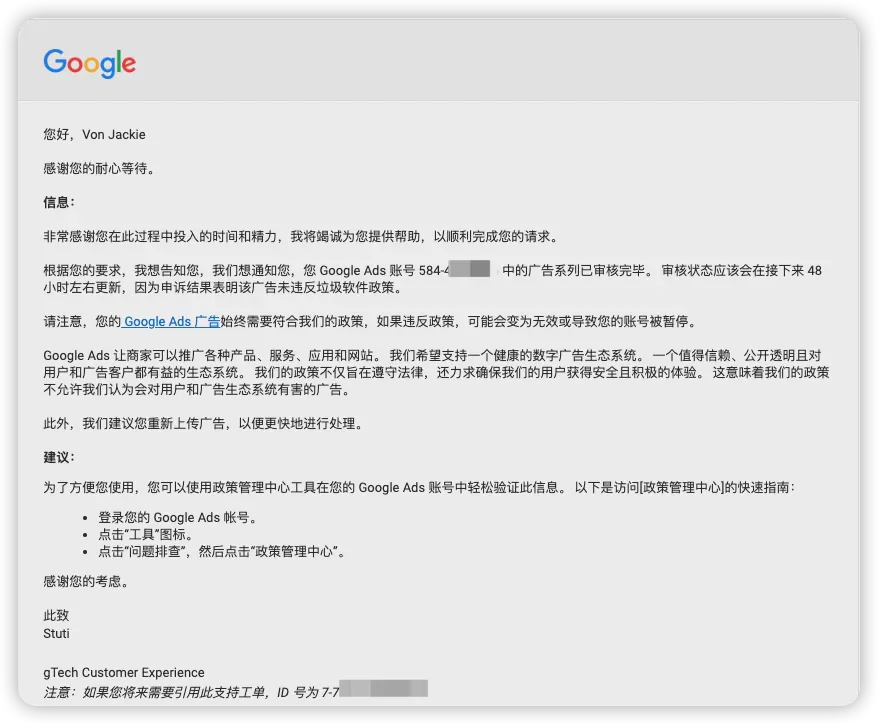
Google Ads has strict advertising policies and account review mechanisms. Many account issues are not caused by the ads themselves, but by source information, operating habits, or management practices.
1. Ad Content Does Not Comply with Policies
Google has clear standards for ad content, including prohibiting misleading information, restricting the promotion of certain products, and requiring complete website information.
Before running ads, it is recommended to carefully confirm whether the product page, landing page, and ad copy comply with Google Ads policy requirements.
2. A Disorganized Account Operating Environment
When multiple people use the same browser environment to log in to different advertising accounts, work management can easily become disorganized.
For example:
- Data from different client accounts gets mixed together
- Team members mistakenly operate other accounts
- Multiple projects share the same browser settings
Therefore, businesses typically need a clearer way to manage account environments.
3. Lack of Comprehensive Team Permission Management
Many businesses initially share Google account passwords directly, but as the number of personnel increases, this approach can easily create security issues.
A better approach is to use the official permission management features and assign access rights according to different positions, such as administrator, standard user, or view-only access.
IV. How Should Multiple Google Ads Accounts Be Managed?
For agencies, cross-border e-commerce teams, or large enterprises, managing multiple accounts has become part of daily work.
Effective management of multiple Google Ads accounts can begin with the following approaches:
1. Create clear account categories
Do not manage all advertising campaigns together. Instead, categorize them in the following ways:
- By country or market
- By brand
- By product line
- By client
Clear categorization helps teams quickly find the relevant accounts and improve the efficiency of daily operations.
2. Use separate work environments for management
When a team needs to manage a large number of online accounts, it can consider using a professional browser environment management tool to manage different work projects separately.
For example, with P1 Browser, you can create different browser environments and configure an independent workspace for each account, making it easier for the team to distinguish between different projects.
3. Create Standardized Operating Procedures
When managing a large number of advertising accounts, processes are more important than tools alone.
We recommend creating the following SOPs:
- Account Creation Process
- Permission Assignment Rules
- Ad Creative Review Process
- Data Backup Process
- Team Handover Process
V. How Can P1 Browser Assist with Google Ads Multi-Account Management?
For cross-border e-commerce sellers and marketing teams that need to manage multiple online accounts, browser environment management is an important aspect.
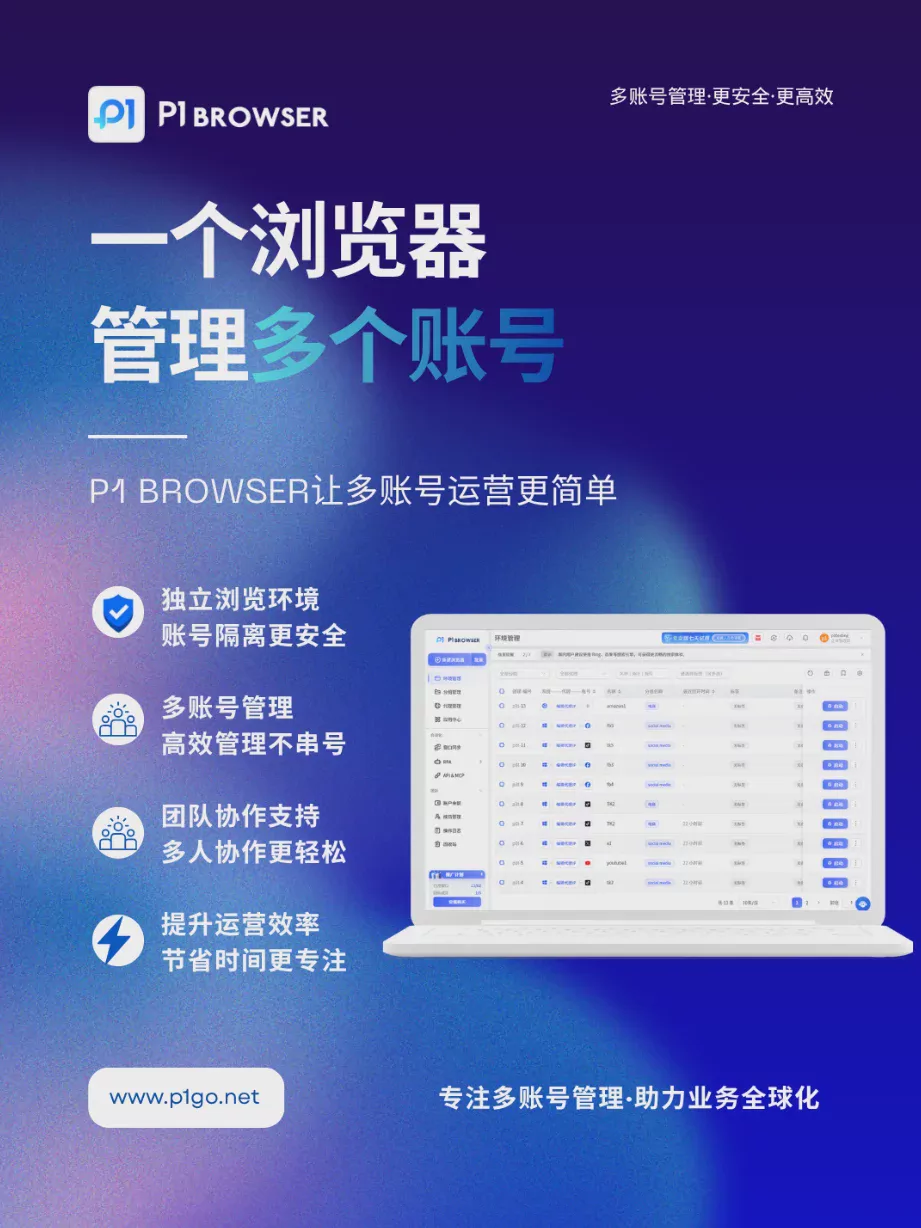
P1 Browser is an anti-detect browser designed specifically for multi-account management, providing independent browser environment management to help users organize different work projects more efficiently.
Using P1 Browser, teams can:
- Create multiple independent browser environments
- Quickly switch between different work accounts
- Manage team member permissions centrally
- Reduce confusion when operating multiple accounts
For users who need to manage a large number of accounts, such as cross-border e-commerce businesses, community operators, and advertising agencies, effective browser environment management can improve work efficiency and reduce the cost of daily operations.
VI. Frequently Asked Questions (FAQ) About Google Ads Multi-Account Management
Q1: Can a business create multiple Google Ads accounts?
Yes. Businesses or agencies can create multiple Google Ads accounts based on different business needs and manage them centrally through a manager account.
Q2: Does a Google Ads account need to use a different browser?
If you are only managing a single account, a regular browser is sufficient. However, when a team needs to manage multiple projects, using separate work environments can help improve management efficiency.
Q3: What should be considered when multiple people manage Google Ads together?
It is recommended not to share login passwords. Instead, use the official permission management features and establish clear divisions of responsibilities.
Q4: Which users is P1 Browser suitable for?
P1 Browser is suitable for users who need to manage multiple online accounts, such as cross-border e-commerce sellers, community marketing teams, advertising agencies, and overseas market operations personnel.
VII. Conclusion: Creating a Secure, Highly Efficient Google Ads Management Process
As competition in digital advertising becomes increasingly intense, Google Ads has become an important tool for businesses expanding into new markets.
However, as the number of accounts increases, relying solely on traditional methods to manage multiple advertising accounts can easily lead to reduced efficiency and operational confusion.
By implementing comprehensive account planning and permission management, along with professional browser environment management tools, businesses can create a more stable and efficient Google Ads workflow.
If your team is managing multiple Google Ads, social media, or cross-border e-commerce accounts, P1 Browser can help you build a clearer and more convenient multi-account management environment.

