



Gmail is Google's official free email service and an important gateway to using Google ecosystem products.
Whether you are an individual user, business team, cross-border e-commerce seller, or overseas marketer, you often need to register a Gmail account to use services like Google Drive, YouTube, Google Ads, etc.
This article will introduce the complete Gmail registration process and multiple Gmail account management methods.
What is Gmail?
Gmail is an email service provided by Google. After registering for Gmail, users can directly use their Google account to log into multiple products.
Common applications include:
- Google Drive for file storage
- YouTube content platform
- Google Ads advertising
- Google Analytics for data analysis
For cross-border business users, Gmail is also an important tool for managing overseas operations.
How to Register a Gmail Account?
Step 1: Open the Google Account Registration Page
Enter the Google account creation page and click 'Create account'.
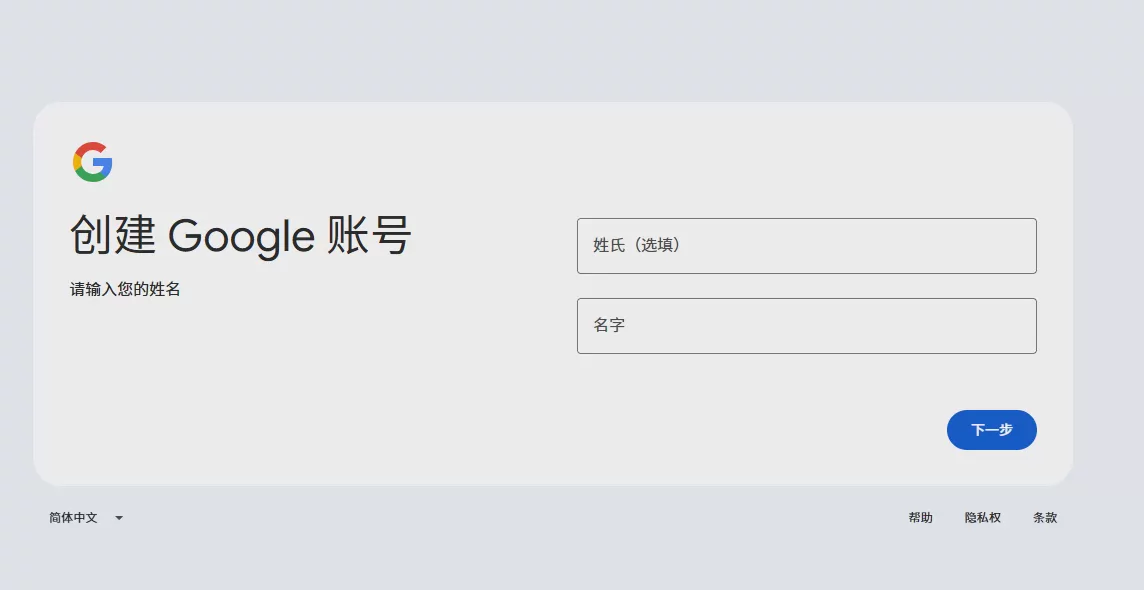
Step 2: Fill in Account Information
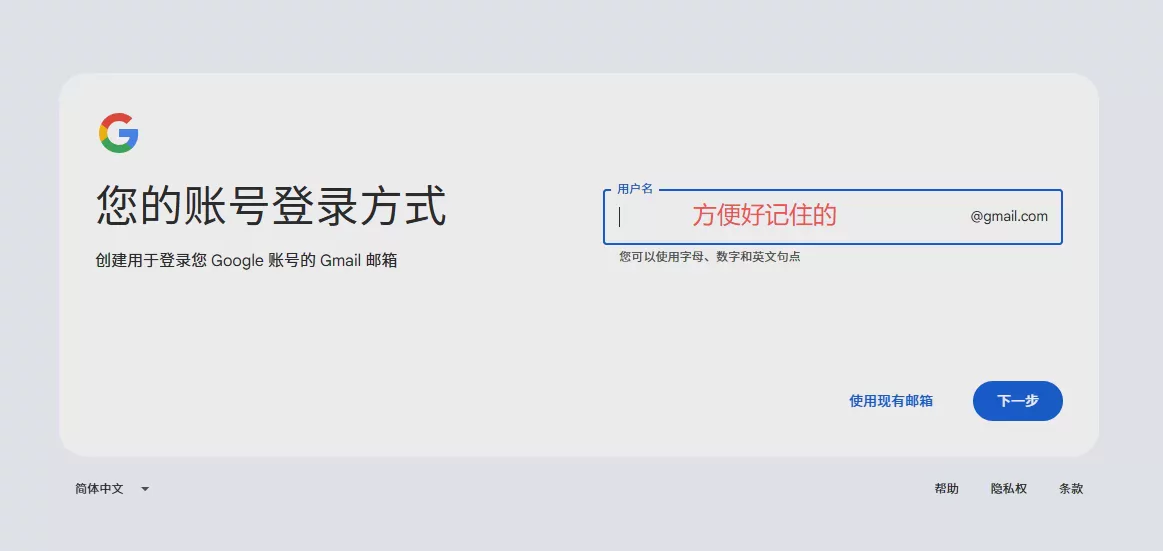
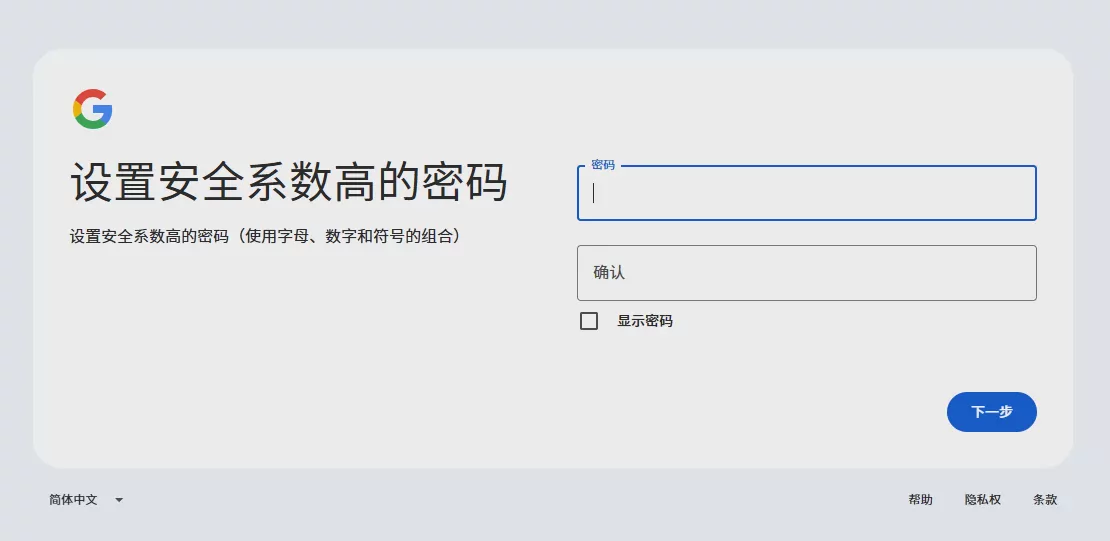
Fill in according to the page prompts:
- Name
- Username
- Password
- Date of birth
After the username is created, it will become your Gmail email address.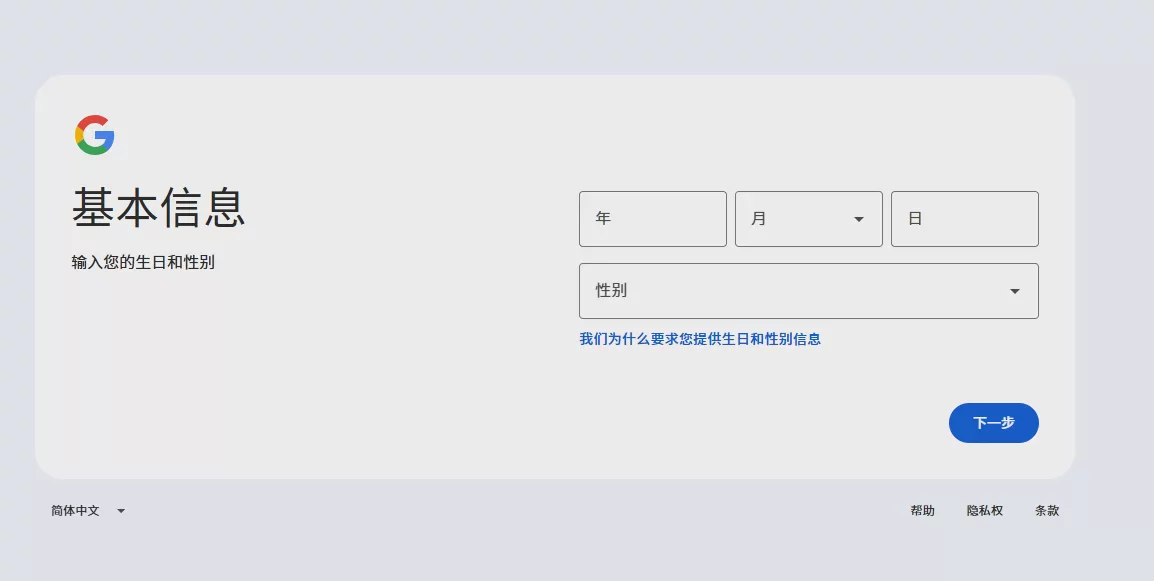
Step 3: Complete Verification
Google may require phone number verification for security confirmation.
After completing verification and agreeing to the terms of service, your Gmail account can be successfully created.
Does Gmail Registration Require a Phone Number?
Gmail registration does not necessarily require a phone number every time.
Google will determine whether verification is needed based on factors such as registration environment and account security policies.
If the system requires phone number verification, follow the on-screen prompts to complete the operation.
What to Do If Gmail Registration Fails?
Common reasons include:
- Unstable network environment
- Too many registrations in a short period
- Abnormal account information
- Need additional security verification
It is recommended to maintain a stable registration environment and avoid repeatedly creating a large number of accounts in a short time.
How to Manage Multiple Gmail Accounts?
As business develops, many users no longer use just one Gmail account.
For example:
- Cross-border e-commerce sellers managing different business emails
- Marketing teams operating multiple Google service accounts
- Businesses creating independent emails for different departments
However, as the number of Gmail accounts increases, account management also presents some challenges.
Common Issues with Multiple Gmail Account Management
- Frequent account switching reduces operational efficiency
- Login status for different accounts can easily become confused
- Team member collaboration is inconvenient
- Difficult to distinguish the purpose of different accounts
If you only manage a small number of Gmail accounts, a regular browser can meet your needs.
However, when you need to manage multiple Google accounts long-term, it is more important to establish a clear account environment management system.
How Can P1 Fingerprint Browser Help Manage Gmail Accounts?
P1 Fingerprint Browser is a browser tool designed for multi-account operation scenarios.
It helps users create independent browsing environments for different accounts, improving the efficiency of managing multiple accounts.
1. Create Independent Browsing Environments
Each Gmail account can correspond to an independent browser environment.
Users can create different environments for different business purposes, such as:
- Sales Gmail
- Marketing Gmail
- Ad account Gmail
- Team member usage accounts
This allows for clearer distinction between different accounts and reduces account management confusion.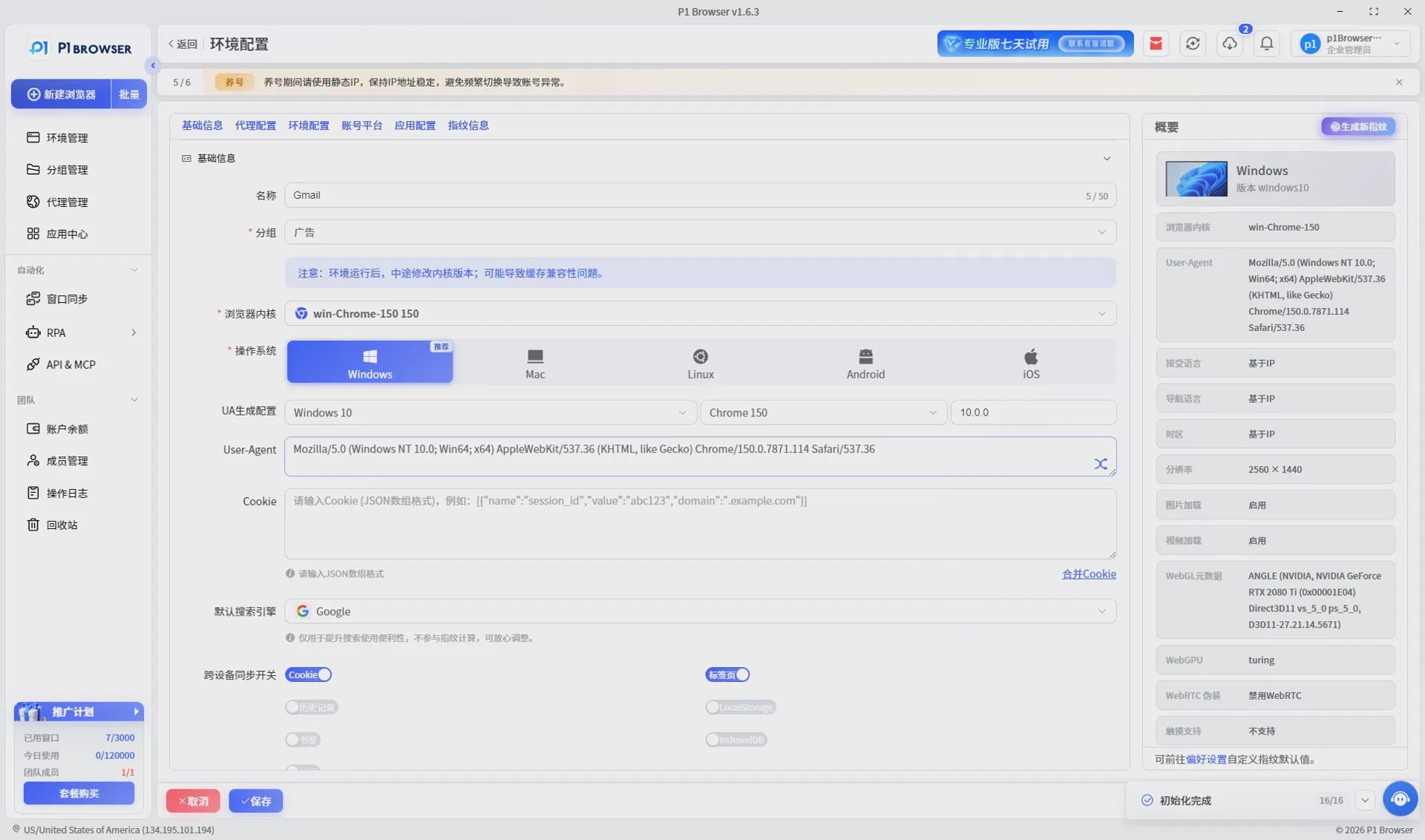
2. Facilitate Team Collaboration Management
For enterprise teams, multiple Gmail accounts often need to be managed by multiple people.
P1 can help teams categorize accounts by project, improving account management efficiency.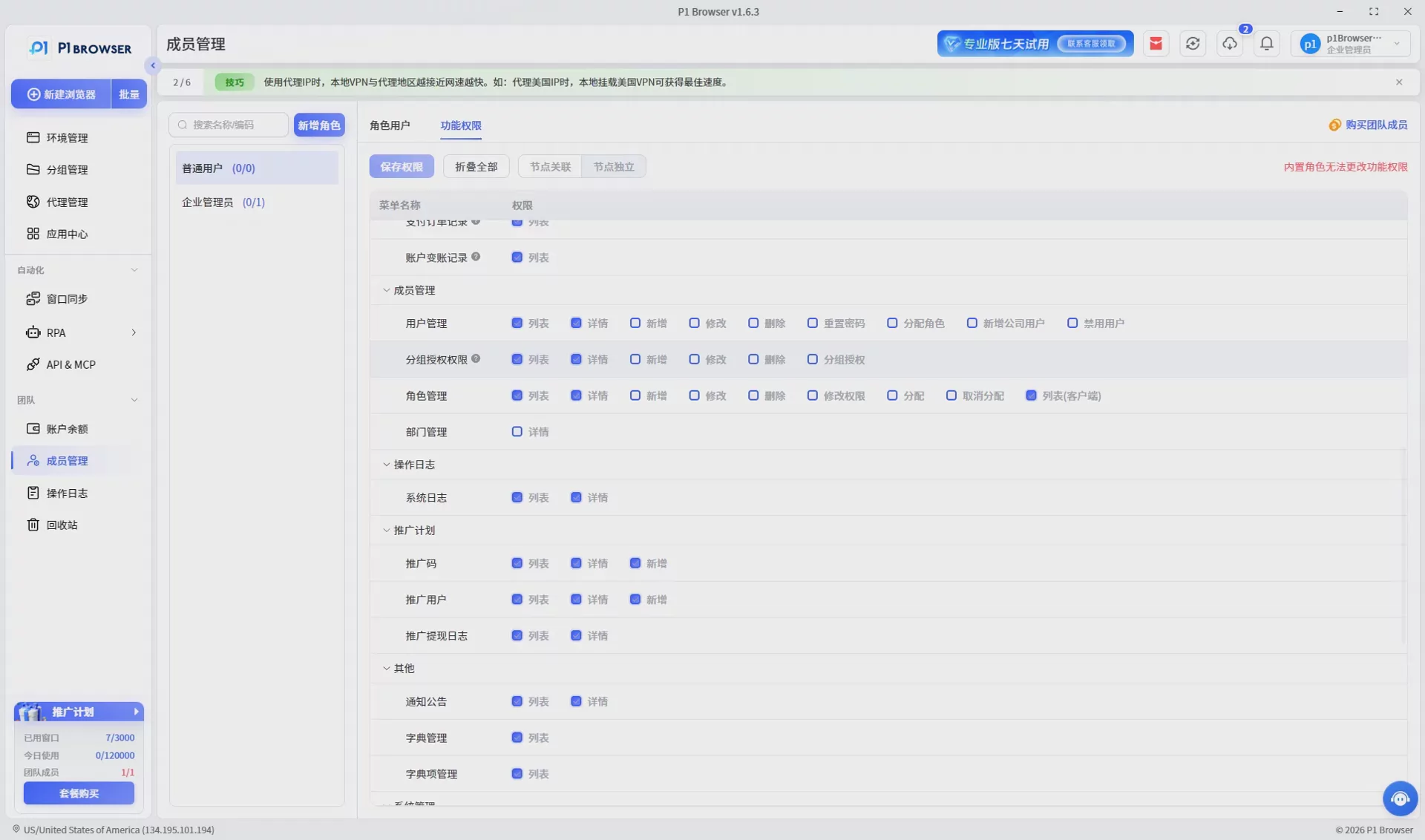
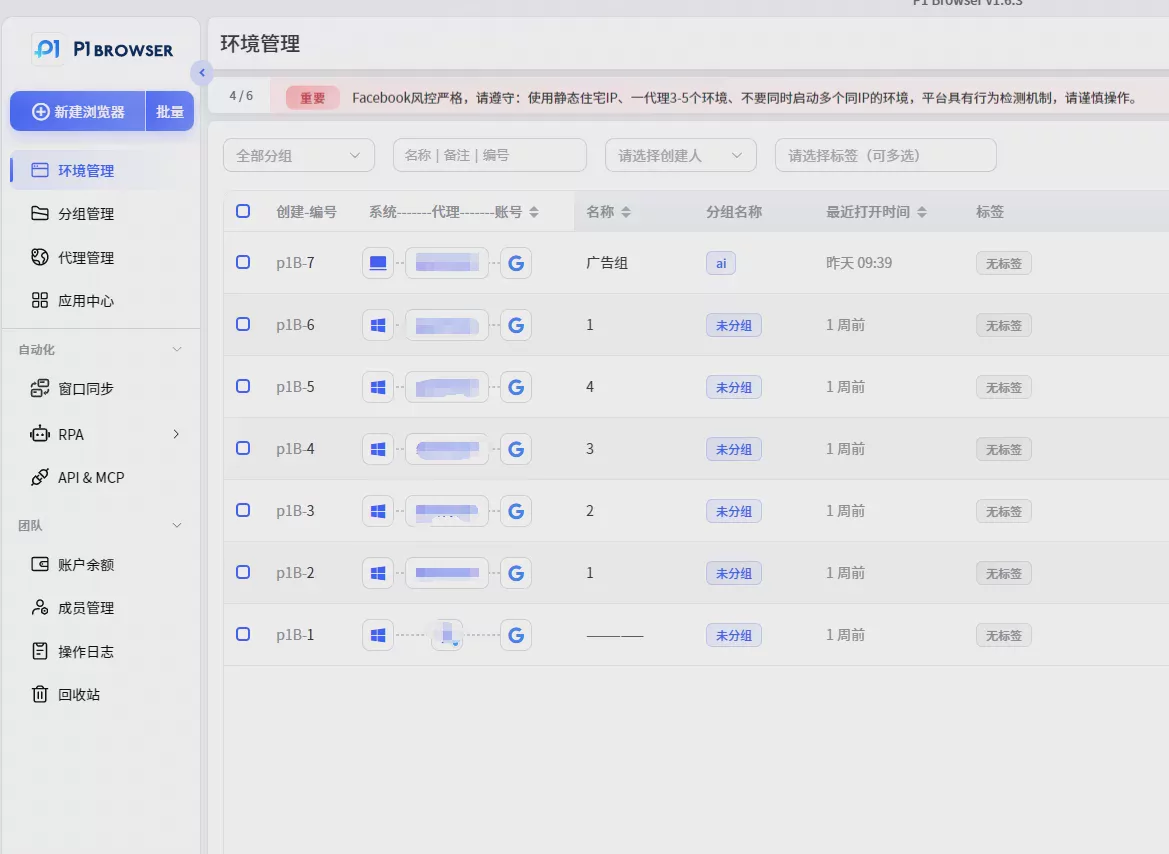
3. Improve Multi-account Operation Efficiency
By managing different Gmail accounts through independent browsing environments, users can reduce the operational costs of frequent account switching.
This is especially suitable for:
- Cross-border e-commerce teams
- Overseas marketing teams
- Advertising operations personnel
- Enterprise multi-account management scenarios
Frequently Asked Questions (FAQ) about Gmail Registration
Q1: Is Gmail registration free?
Yes, Gmail offers free email services, and users can create Google accounts at no cost.
Q2: Is a phone number absolutely required to register for Gmail?
Not necessarily. Google will determine if a phone number verification is needed based on account security policies.
Q3: Can one phone number register for multiple Gmail accounts?
The actual number is subject to Google's security policies. If you need to manage multiple Gmail accounts, it is recommended to adopt standardized account management practices.
Q4: Why did my Gmail registration fail?
Possible reasons include network environment, registration frequency, account information entry issues, or the need for additional verification.
Q5: Why do enterprises need multiple Gmail accounts?
Enterprises usually create different emails for different businesses, such as sales, customer service, marketing, and ad operation accounts.
Summary
Registering for a Gmail account is not complicated, but as the number of accounts increases, how to efficiently manage multiple Gmail accounts has become a concern for many businesses and operators.
Through reasonable planning of account purposes and the use of professional account management tools, the efficiency of multi-account operations can be improved.
P1 Fingerprint Browser helps users establish independent browsing environments, making the management of multiple Gmail accounts clearer and more efficient.

