In multi-account operation scenarios such as cross-border e-commerce, overseas social media operations, and independent site promotion, account association, platform risk-control bans, and environment fingerprint leakage are core challenges practitioners have long faced. Ordinary browsers cannot achieve independent environmental isolation, making it extremely easy for IPs, device fingerprints, and browser parameters to overlap, resulting in batch account throttling and bans, directly affecting business stability.
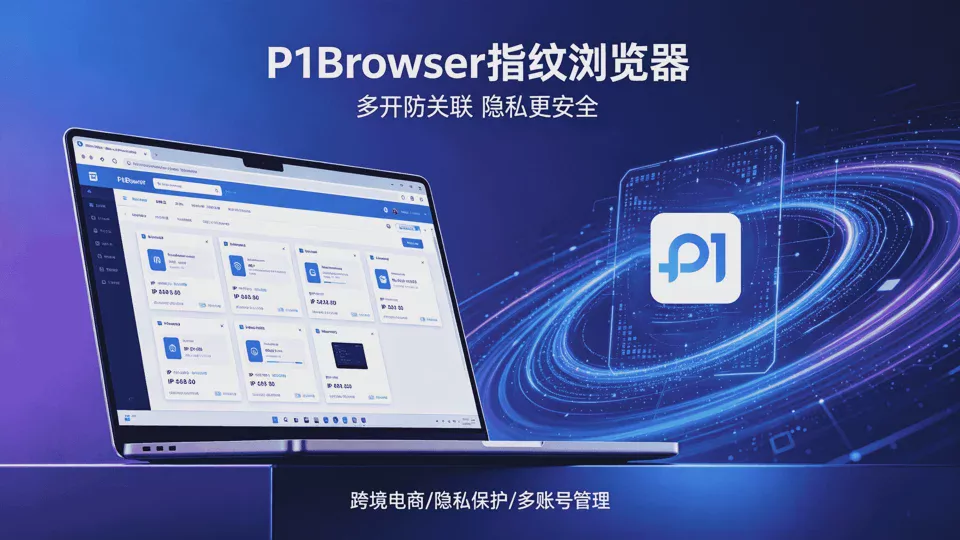
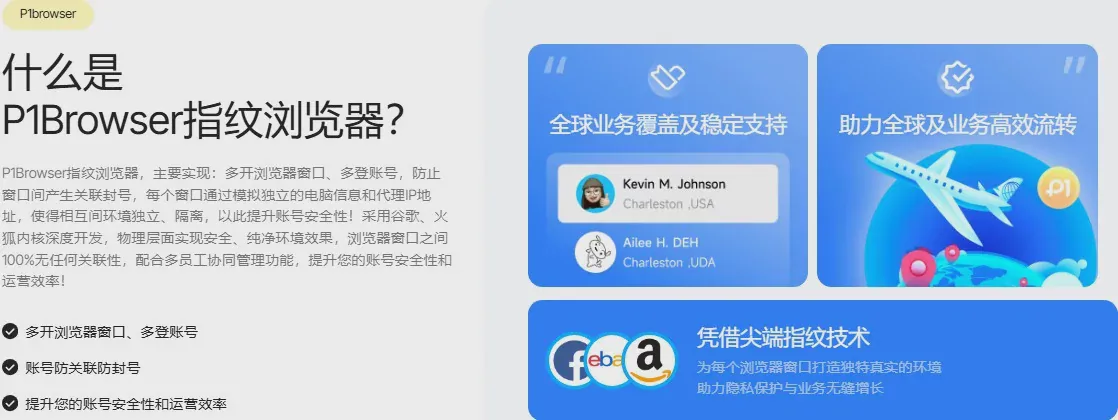
P1Browser fingerprint browser relies on kernel-level isolation technology to create an independent and clean browser environment. Through core capabilities such as custom device fingerprints, deep proxy adaptation, and independent data storage, it efficiently solves multi-account association problems. To help individual operators, cross-border teams, and enterprise users use the software in a standardized, efficient, and secure manner, and drawing on practical experience, we have compiled this comprehensive usage recommendation guide, covering new user onboarding, basic configuration, advanced optimization, risk avoidance, and daily maintenance across all dimensions.
I. Basic Usage Recommendations for New Users
-
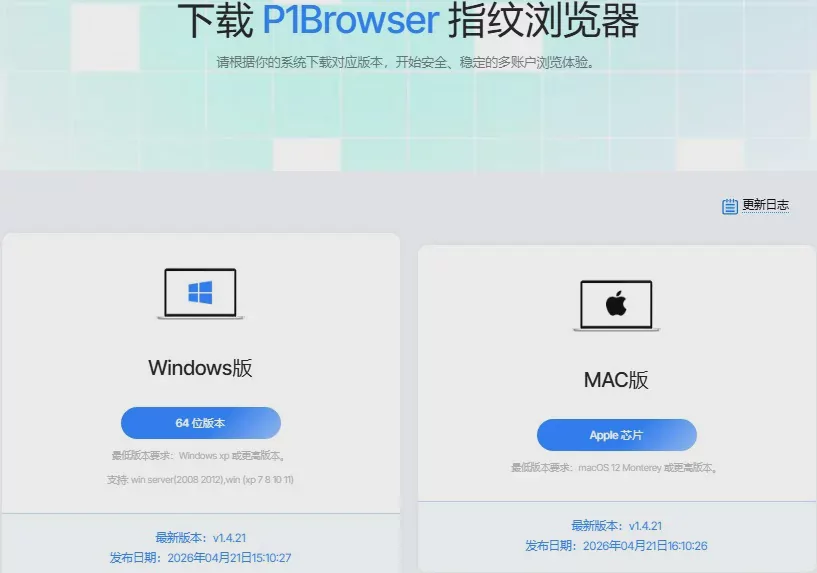
Standardized Installation and Environment DeploymentDownload the installer from official P1Browser channels first, and reject third-party cracked or modified installation programs. Cracked software often carries malicious plugins and backdoor programs, which not only cause fingerprint parameter confusion and sluggish performance, but may also lead to account data leaks and proxy information theft, creating major security risks. During installation, it is recommended to choose a default clean install to avoid bundled附加 software and ensure smooth software operation.
-
Planned Window and Account GroupingChoose the appropriate plan according to business scale and allocate browser window quantities reasonably. Accounts for different platforms and different product categories mustbe managed in separate groups. For example, Amazon, TikTok, Facebook, and independent site accounts should be classified separately, and cross-platform mixing within the same environment tab must be avoided. Unified group management facilitates batch operations and permission allocation later on, and also reduces cross-platform risk-control tracking risks from the source.
-
Develop the Habit of Creating Independent EnvironmentsEach operational account must be paired with an independent P1Browser window. Multiple accounts sharing the same window or cache data are prohibited. Although the software's default isolation kernel provides basic protection, repeated reuse of residual cookies, browsing caches, and browsing traces left in the environment will still trigger platform risk-control detection in the long run.
II. Recommendations for Optimizing Core Function Configuration
- Custom Device Fingerprint Settings
Fingerprint parameters are the core of anti-association. It is recommended to enable the dual mode ofdynamic random fingerprints plus manual fine-tuned adjustments. For routine operation scenarios, the system can intelligently and randomly generate fingerprints, covering key parameters such as device model, system version, Canvas, WebGL, font lists, and resolution; for high-risk-control platforms, it is recommended to manually modify time zones, languages, and hardware parameters to ensure that every window fingerprint is unique with no repeated characteristics.
Never keep a single fingerprint parameter fixed for a long time. Periodically rotate basic configurations with minor changes to avoid parameters being solidified and flagged by platform risk-control databases.
- Recommendations for Precise Proxy Network Matching
Proxy IPs must be bound one-to-one with browser environments, achievingone account per IP, one window per proxy. Choose high-quality, stable static residential proxies or cross-border exclusive proxies, and avoid free public IPs or chaotic dynamic IPs. Such IPs are heavily shared by many people, have low IP reputation, and can easily trigger batch account risk controls.
Complete proxy connectivity testing within P1Browser to ensure that the IP's region and network time zone match the account's operation region, and that network DNS and geolocation information are synchronized, avoiding account anomalies caused by regional information conflicts. Also regularly check proxy liveness status and replace expired IPs promptly to ensure business stability.
- Cache and Data Management Recommendations
Enable independent data storage mode for each window, so that cookies, local storage, and browsing history of each browser window are completely isolated. In daily operations, low-frequency accounts can periodically clean up idle window caches; high-frequency operational accounts do not need frequent cleanup, preserving normal browsing traces to simulate real-user habits and avoid the platform flagging overly clean environments as abnormal devices.
III. Practical Recommendations for Multi-Scenario Compliance Operations
-
Cross-Border E-Commerce Operation ScenariosE-commerce platforms such as Amazon, AliExpress, and Shopee have strict risk-control systems. In addition to basic fingerprint and IP isolation, it is recommended to complete account basic information, ensuring that shipping addresses, payment information, and registration details match the network region. Avoid high-frequency sensitive behaviors such as batch logins, batch order placements, price changes, and product listings within a short period; simulate real-user schedules and operate in segmented time periods.
-
Overseas Social Media Matrix OperationsSocial platforms such as TikTok, Instagram, and Facebook emphasize the authenticity of behavior simulation. When using the P1Browser environment, complete account profiles, browse content normally, interact with likes, comments, and follows, and gradually build account authority. Avoid batch-sending advertisements, private message diversion, and违规 marketing operations. Leverage the browser environment isolation advantage to分散 account operation frequency and reduce cluster risk-control detection.
-
Enterprise Batch Operation ScenariosWhen used by enterprise teams, it is recommended to reasonably allocate sub-account permissions, set operation permission tiers, and unify fingerprint configuration standards and proxy usage rules. Through P1Browser's batch management feature, uniformly control all browser windows, centrally investigate abnormal environments and invalid proxies, improve the team's multi-account management efficiency, and standardize operations workflows.
IV. Risk Avoidance and Security Protection Recommendations
-
Stay Away from违规 Operation Red LinesRegardless of any operation scenario, using P1Browser to engage in order brushing, gray-market marketing, infringement traffic diversion,违规 arbitrage, and other违法违规行为 is prohibited. The software only provides a securely isolated browser environment for legitimate multi-account compliance operations.违规 operations will not only lead to batch account bans but may also result in platform complaints and legal risks.
-
Eliminate Cross-Environment ContaminationAccounts with different weight levels and different purposes must be strictly isolated. High-weight quality accounts and newly registered small accounts should be used separately. Do not mix high-risk environment windows under the same device or the same router. Disable global location sharing and global synchronization functions on the computer to prevent local device information leakage and penetration of the browser isolation environment.
-
Regular Software Update and MaintenanceUpgrade to the latest official version of P1Browser in a timely manner. New versions will continuously optimize kernel isolation technology, update fingerprint algorithms, and fix security vulnerabilities to adapt to the latest risk-control rules of major platforms. Long-term use of outdated versions may easily lead to problems such as fingerprint invalidation, environment isolation failure, and compatibility errors, reducing anti-association effectiveness.
V. Summary of Common Pitfalls to Avoid
- Do not solely rely on the software for anti-association; IP quality, operational behavior, and operation pace are all indispensable;
- Do not blindly enable all-parameter randomization, as overly chaotic fingerprint configurations can easily trigger platform abnormality detection;
- Avoid frequently switching IPs and modifying fingerprint parameters within a short period; maintain environment stability;
- Regularly back up account lists and environment configurations to prevent data loss and reduce repeated configuration costs.
Conclusion
In the era of refined multi-account operations, P1Browser, with its mature isolation technology and flexible custom configuration, has become a core tool for cross-border and global expansion practitioners. Only through reasonable and standardized usage can the anti-association advantages of fingerprint browsers be maximized.
By following the configuration recommendations and operational norms in this guide and optimizing operational habits according to your own business scenarios, you can effectively avoid platform risk controls, ensure long-term stable account operations, significantly improve multi-matrix account management efficiency, and lay a solid foundation for the long-term development of global expansion business.