



When using Claude, you may have just completed logging in, only to suddenly return to the login page after some time; or, while organizing documents or writing content, the system may suddenly display “Session Expired.” Many users have encountered similar issues and begun searching: “Why does Claude keep logging me out automatically?”
In fact, the reasons Claude logs you out frequently are not necessarily related to a problem with the account itself. Browser Cookies being cleared, frequent changes to the network IP, logging in from different devices, and privacy extensions affecting the login status can all cause the session to fail to remain active properly.
This article provides a comprehensive overview of the common reasons Claude logs you out automatically, practical solutions, and account security issues to watch out for when collaborating with multiple people.
I. Why Does Claude Keep Logging Me Out Automatically?
Claude’s login status primarily relies on session information and Cookies in the browser. When the system detects a significant change between the current login environment and the original environment, it may require the user to verify their identity again.
Common situations include:
- Not using Claude for an extended period
- Cleared browser cookies or website data
- Switching to a different browser or device
- Frequent changes to the network IP address
- Using incognito mode
- Privacy extensions blocking login-related data
- Unusual login activity or security verification on the account
If Claude only occasionally asks you to log in again, this is usually a normal account security measure. However, if you are logged out frequently every day, or even lose your login status just a few minutes after signing in, you should check your browser and network environment.

Browser Cookies Have Been Cleared, a Common Cause of Claude Logouts
Cookies can be understood as login identification information that websites store in your browser. After you log in to Claude, the system uses the relevant session data to confirm your login status.
If the cookies are deleted, Claude cannot confirm that the browser is still logged in, so it will ask you to log in again.
The following situations are especially likely to cause cookies to disappear:
- The browser is set to automatically clear data after closing
- Manually clearing cookies and site data
- Using an automatic browser-cleaning tool
- Using private browsing mode
- Installing privacy extensions that automatically delete website data
If you want to stay logged in to Claude for a long time, it is recommended that you check your browser settings to make sure cookies for the Claude website are not being automatically cleared.
Third, switching devices or browsers may affect your Claude login status
Many people use Claude on their work computer, home laptop, phone, and tablet. Although this is convenient, frequently switching between different devices and browsers within a short period may also increase the likelihood of requiring verification again.
For example, you just logged in to Claude on Chrome on a Windows computer, then logged in on Safari on your phone or on another computer. Different devices typically have different browser environments and login data, so the platform may perform additional security checks.
If you frequently need to use Claude on a regular basis, it is recommended that you try to maintain:
- A fixed primary device
- A fixed browser
- A stable network environment
This can reduce login-session interruptions caused by frequently switching environments.
Frequent changes in the IP address may also cause login issues
In addition to the browser, the network environment can also affect account login stability.
For example, if you are using Claude and switch from your company's Wi-Fi to a mobile network, or if the network service itself frequently changes its IP address, the platform may reassess the current login environment.
The following situations deserve special attention:
- Frequently switching between Wi-Fi and mobile networks
- Using a network service with frequently changing IP addresses
- Logging in from different regions within a short period
- Frequently switching proxy network settings
If you find that Claude tends to log you out every time you switch networks, try using it continuously on a fixed network environment first. If the problem is significantly reduced, the network environment may be one of the main causes.

V. Privacy Extensions and Browser Settings May Disrupt Login Status
Many users install ad blockers, Cookie management tools, or script-blocking extensions to enhance browser privacy.
However, some tools may affect a website's ability to store login information properly. For example, automatically deleting Cookies, blocking scripts from specific websites, or modifying browser request content may all cause Claude to enter a login loop.
If you encounter any of the following situations:
- You are immediately returned to the login page after logging in successfully
- Your account disappears after refreshing the webpage
- You need to log in every time you reopen the browser
We recommend temporarily disabling extensions that may affect website data and confirming that the Claude website has not been added to the Cookie-clearing rules.
VI. How to Fix Claude Constantly Logging You Out? 5 Practical Methods
1. Update the Browser
We recommend using the latest version of Chrome, Edge, or Firefox. Older browsers may have compatibility issues with features on the new website.
2. Check your cookie settings
Make sure your browser is not configured to automatically clear all website data when it closes, and avoid manually deleting Claude's login cookies.
3. Temporarily disable extensions that may affect login
You can test privacy tools, cookie-cleaning tools, and script blockers one by one to determine whether any extension is affecting Claude's login status.
4. Maintain a stable network connection
During work, try to avoid frequently switching between Wi-Fi, mobile networks, or different network environments to reduce the likelihood of being asked to verify again during a work session.
5. Check your account security status
If you notice unfamiliar logins, unusual security notifications, or unauthorized activity, change your password immediately and review your account security settings.
VII. What issues should you be aware of when multiple people use a Claude account?
For teams, account management is usually more complicated than for individual users. Having multiple people share an account password directly can easily lead to inconsistent login environments, mutual interference during work sessions, and account information leaks.
If your team needs to manage multiple AI tools, community accounts, or cross-border e-commerce accounts, we recommend prioritizing the official team plans and authorization mechanisms provided by the platforms instead of directly sharing account passwords in group chats.
Users who need to manage multiple groups of browser work environments can also categorize and manage them through separate browser profiles. Using an independent browser environment for each account can prevent Cookies, login data, and website settings from being mixed together.
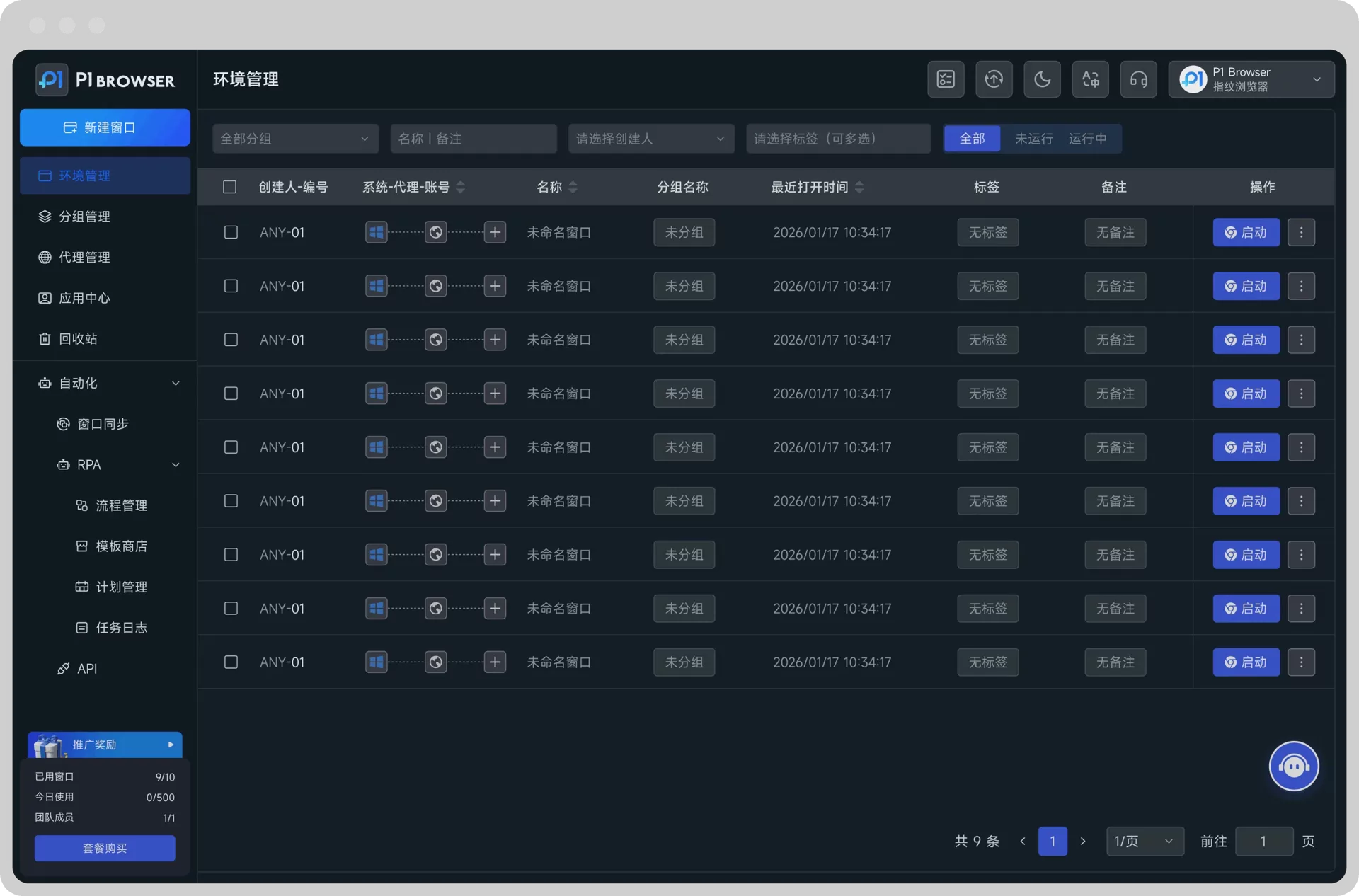
P1 Browser provides multiple independent browser profiles, making it suitable for users who need to manage multiple accounts, collaborate with teams, and categorize different work environments. By managing accounts in separate environments, browsing data and Cookies for different work accounts can be stored separately, improving daily management efficiency.
VIII. How Can You Reduce the Likelihood of Claude Logging Out Frequently?
To keep Claude's login status more stable, the key is not to keep re-entering your password, but to maintain consistency in your usage environment.
- Use a fixed browser and primary device
- Avoid automatically clearing Cookies
- Update your browser regularly
- Avoid switching network environments frequently
- Check plugins that may affect website login
- Use strong passwords and enable account security verification
- Use formal team authorization methods when collaborating with multiple people
Frequently Asked Questions (FAQ)
Why does Claude automatically log me out after a few minutes?
This may be related to Cookies not being saved properly, browser extensions, changes in the network environment, or account security verification. We recommend checking your Cookie settings and browser extensions first.
Will clearing Cookies log me out of Claude?
Yes. Cookies typically contain website session information, so you will need to log in again after clearing them.
Can incognito mode keep me logged in to Claude for a long time?
It is generally not suitable. Incognito mode clears most website session data when closed, making it unsuitable for staying logged in over the long term.
Can sharing a Claude account with multiple people cause problems?
Sharing login information directly with multiple people may create security, management, and platform policy risks. We recommend using the official team or authorization options first.
Conclusion
Claude is constantly logging out automatically, and this is usually not caused by a single issue. Cleared cookies, changes to the browser environment, frequent IP switching, interference from privacy extensions, and account security mechanisms can all affect the login status.
The most effective approach is to start by troubleshooting the browser cookies, extension settings, and network environment, while trying to maintain a consistent usage environment. If the issue continues, you should also check account security notifications and official support information.
For users who need to manage multiple accounts and work environments at the same time, creating a clear account management process and separate browser profiles can also reduce data confusion and login issues during daily operations, making workflows more stable.

