


Logging into three stores individually works fine, but once one person centrally handles messages, price changes, and inventory reconciliation, CAPTCHAs start popping up frequently, orders are occasionally entered in a different store, and former colleagues' accounts still retain price-change permissions. Most beginners assume that buying another ERP system will solve the problem, but what is truly missing is a fixed correspondence between account entities, backend roles, login environments, and tool write scopes.
The following steps follow the order: 'First define the store format, then define the account division, schedule listing batches, run through fulfillment handoffs, and finally validate the ERP.' Before the process is fully operational, the more tools you have, the higher the chance of writing to the wrong store or leaving behind residual permissions.
First distinguish the three types of 'multi-store,' then discuss the workflow
Platform multi-store (such as Amazon multi-site, TikTok Shop multi-store), standalone site multi-store (multiple Shopify sites), and multi-employee accounts within the same store are three different things. The first two relate to operating entities and asset structure, while the latter is simply permission distribution. Forcing a single permission model onto all of them leads to out-of-scope actions, such as customer service changing prices or operations withdrawing funds.Amazon seller accounts and Seller Central operationsThe method of breaking down permissions by entity, role, login environment, and write scope can be migrated to other platforms, but cannot be directly copied.
Beginners don't need to pursue many stores at the start. First, run 2–3 stores as a stable line: clear entities, independent payment collection, and someone responsible for orders and messages daily. Once this line has no wrong-store errors or missed shipments for two consecutive weeks, replicate it to the next store. The signal to determine whether to expand is not platform merchant recruitment, but rather the fact that fulfillment and customer service for existing stores no longer require the owner to step in as a safety net.
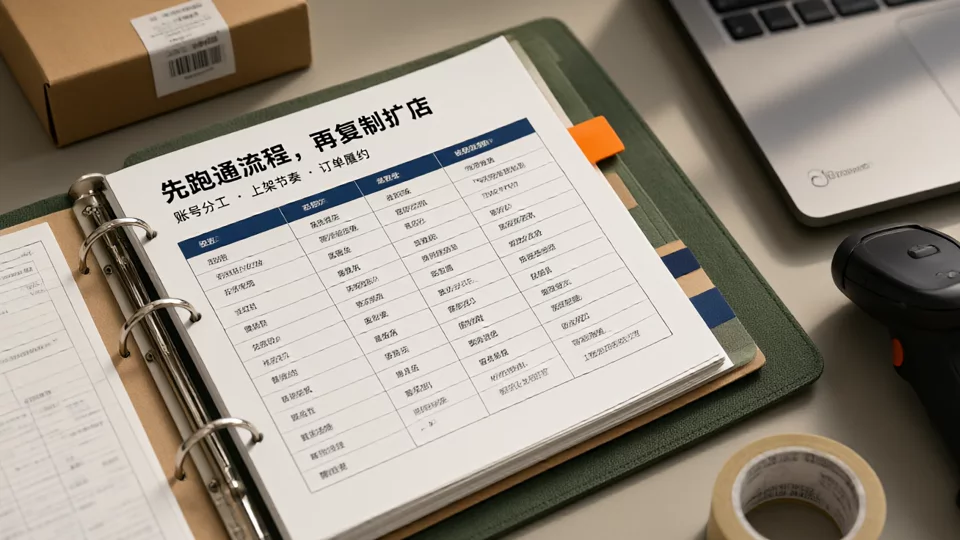
Account Division of Labor: Consolidate entities, roles, login environments, and tools into a single pinned table.
The division-of-labor table does not need to be complex, but the four layers must be clearly documented one row per store. Its purpose is not to look organized for management, but to allow you to immediately answer "who performed this operation, in which environment, and for which store" when issues arise.
| Layer | Content to be fixed | Actionable steps for beginners | Common mistakes |
|---|---|---|---|
| Account Entity | The business license, payment recipient entity, and contact information corresponding to the store. | Create a store record table with one row per store, clearly documenting the entity and payment account. | Multiple stores sharing an account without leaving records |
| Backend Role | Store manager, operations, customer service, read-only. | Create sub-accounts by role; do not use the main store account for routine operations. | The entire team logs in with the shared main account. |
| Login environment | Which person logs in to which store using what device or browser setup | One person, one environment; the environment is bound to a specific store list and is revoked immediately upon offboarding. | Frequently switching between all stores within the same browser. |
| Tool write permissions | Which fields can the ERP modify, and which stores can it write to? | Enable write access first on a test store, restricting it to specific permissions such as price, inventory, and shipping. | Granting full write access to all fields across all stores at once. |
Personnel boundaries follow the principle of least privilege: operations staff can update prices, inventory, and listings but are not permitted to handle payments or withdrawals; customer service has read-only access to orders and handles messages and refund requests; fulfillment can only process shipping, shipping labels, and logistics exceptions; finance has read-only access to reports and settlements. When someone leaves, first disable their login environment, then deactivate the tool account, and finally transfer the platform sub-account. Reversing this order leaves a gap during which prices can still be modified. For more comprehensive guidance on managing account association and payment risks, refer toHow to manage multiple stores while avoiding account association and financial risks.
Launch cadence: weekly batches by store role
The hardest thing to keep in check across multiple stores is new listings: the main store pushes new items, test stores follow with bulk uploads, and clearance stores are still re-adding old links, so assets, inventory, and customer-service scripts all collide. Split the stores into three groups first, and the rhythm naturally separates.
The main store owns steady launches and the hero SKUs, working on a fixed weekly batch: Monday picks products and schedules; Tuesday prepares assets and specs; Wednesday is the batch listing day; Thursday checks links and pricing; Friday reviews data to decide whether to scale up or pull back next week. Test stores get only a small number of SKUs per batch, run a two-week test of clicks and conversion, and are delisted if they miss the target, so they do not tie up the main store’s inventory. Clearance stores add links only when sales justify it, focused on moving the leftover stock, and do not participate in new-product testing.
Assets can be reused, but titles, specs, size charts, and localized copy must be rewritten per site. Copy-pasting an entire store triggers the platform’s duplicate-listing detection and makes customer service give wrong specs when handling queries from different sites. For the process differences between multi-site independent stores, compareWhere to start with Shopify independent-store management’s account and site-planning section.

Order fulfillment: four handoff points so orders do not go to the wrong store
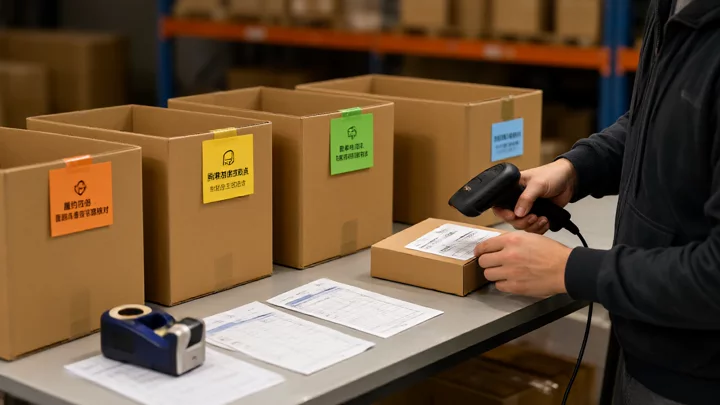
When multi-store orders break, it is usually not warehouse slowness but loss of ownership when orders pass between systems. Lock down the four points below, and misrouted orders and overselling drop noticeably.
- Confirming order ownership.When an order enters the tool, it carries the store ID, site, and order number. Manual intervention is limited to exception orders marked as 'Pending Confirmation' by the system; manual order transcription is not performed.
- Inventory allocation.First, confirm source inventory and SKU mapping, then decide whether to occupy or reserve stock. When multiple stores share inventory, allocate safety stock to the primary store and exclude test stores from the shared pool.
- Waybill and warehouse verification.Before shipment, verify the warehouse, logistics channel, recipient country, and waybill information. If the same SKU has different packaging across different sites, the waybill and packing list must originate from the same source.
- Exception write-backs.Shortages, timeouts, address anomalies, and returns must be written back to the work orders of the corresponding stores. Customer service handles them in the original store; cross-store order modifications are not allowed.
Inventory synchronization is the most vulnerable link in fulfillment. Synchronization failures are often not due to a total tool malfunction but rather a break in one layer of source inventory, SKU mapping, sync tasks, permissions, or the platform API. The troubleshooting order can referencehow to resolve multi-store inventory synchronization failures.
How to Choose Multi-Store ERP: Verify Write Scope First, Then Compare Features
The value of ERP lies in consolidating orders, inventory, and shipping across multiple stores into a single pipeline, but it simultaneously holds write permissions. When selecting a tool, first ask “which stores and fields can it write to,” then ask “does it have a specific report.” In demo environments, features appear complete, but what truly determines success or failure is the boundary of write access and failure rollback.
| Comparison Dimension | Evidence to Look For During Trial | Signs of Failure |
|---|---|---|
| Account Subject Mapping | One store, one subject, one payment account that can be mapped within the system | Multiple stores squeezed under the same subject without distinction |
| Backend Role Synchronization | Platform sub-accounts and tool roles align | Tool permissions are broader than platform backend permissions |
| Login Environment Isolation | Store and login environment binding, reclaimable at any time | After switching users, the old environment can still log in |
| Order write scope | Specify a store as read-only and another as capable of shipping | As soon as an order is integrated, it can be modified across all stores |
| Inventory synchronization and failure write-back | Prompt on sync failure, retriable, and pinpointable to SKU | No failure record, manual reconciliation is the only option |
| Trial period acceptance | Run through your real scenarios completely | Only demonstrates features, does not provide test data |
During the trial period, do not just watch the demo; run your own real scenarios: place an order with two stores sharing inventory, check if modifying the price in one store incorrectly alters the other, simulate an inventory sync failure to see if there is a prompt, and after letting a test account resign, check if permissions are revoked. Once these four things are verified, then discuss pricing and packages. You can refer to the complete selection dimensionsMulti-Store Management Tool Recommendations.
Run through the acceptance checklist before going live
- Spot-check the most recent 20-30 orders to verify that store attribution, SKUs, and shipping labels are consistent; if an order is misrouted to the wrong store, fix the mapping first.
- Deliberately set the inventory of one store to 0 and observe whether the other stores sync within a reasonable time, and whether any failures are logged.
- Create a read-only account and confirm that it cannot access the payment collection and withdrawal entry points.
- Simulate an out-of-stock situation or an address anomaly, and record the processing time from discovery to customer service follow-up.
- Revoke the login environment and tool permissions for a test account, and confirm that both have been invalidated.
If the checklist is not passed, first determine whether the issue is an undefined process or a tool limitation. Most store misrouting comes from unclear correspondence between stores and environments; switching tools will only move the same problem to a new system.
Frequently Asked Questions
Do I need to implement an ERP if I have only 2-3 stores?
Look at the complexity of collaboration, not the number of stores. If one person handles a small number of daily orders and does not share inventory, the platform dashboard plus spreadsheets can work; but once two or more people process orders simultaneously, multiple stores share inventory, or a fixed shipping process is needed, the error cost of manual handoffs will exceed the cost of the tool.
If one operator manages multiple stores, how can you reduce the risk of orders being assigned to the wrong store?
Bind stores to login environments and restrict the operator within the tool to only write to authorized stores. Conduct daily spot checks on order store attribution, and confirm the current store identifier before switching stores. When a store mismatch is found, first review the order attribution field and write scope; do not immediately blame the platform.
Should the listing schedule be unified across all stores?
No. The main store should focus on stable new listings, test stores on small-batch validation, and clearance stores on sales velocity. These three types of stores have different goals; a unified schedule would only cause test stores to consume resources from the main store. What should be standardized are the checklist items and asset guidelines, not the listing frequency.
Which on-site scenarios should be prioritized during an ERP trial?
Multi-store order allocation, inventory sync failure rollback, permission revocation upon departure, correction scope for pricing errors, and abnormal order tracking. For each scenario, run it through with your own real stores and SKUs to see if the system can pinpoint the specific store and field, rather than just observing whether the demo runs smoothly.

